
Your Trusted Slideshare Downloader for Instant Downloads
The simplest way to download Slideshare presentations online. Paste your link, get your slides — no sign-up, no software, no hassle.
Slideshare Downloader
Paste your Slideshare URL below to download the presentation.
Everything You Need to Download Slides
A focused set of capabilities designed to make Slideshare downloading straightforward and reliable.
Instant Downloads
Get your Slideshare presentations downloaded quickly with our streamlined online tool.
Works in Your Browser
No software installation needed. Access the Slideshare downloader from any modern browser.
Clean, Simple Interface
A focused design built around one purpose — making Slideshare downloading effortless.
Fully Responsive
Download slides from your phone, tablet, or desktop with a layout that adapts to you.
No Account Required
Start downloading immediately. No sign-up forms, no email verification, no waiting.
Secure & Private
Your downloads are processed securely. We don't store your files or personal data.
Why Use a Dedicated Slideshare Downloader?
Generic tools often fall short when it comes to presentation formats. A focused Slideshare downloader gives you a cleaner, more reliable experience without unnecessary complexity.
Purpose-Built Workflow
Every step is designed specifically for Slideshare content.
No Unnecessary Features
A clean tool without bloat, ads, or confusing options.
Consistent Results
Reliable output that preserves your presentation's structure.
Always Available
Web-based access means it's ready whenever you need it.
How to Download Slideshare Presentations
A straightforward process designed to get you from link to download in minimal steps.
Copy the URL
Find the Slideshare presentation and copy its link from the browser address bar.
Open the Downloader
Navigate to the Slideshare downloader tool section on this page.
Paste Your Link
Insert the copied URL into the downloader interface provided above.
Get Your Slides
Follow the available download options to save your presentation to your device.
What Users Are Saying
Feedback from people who use the Slideshare downloader for their daily workflow.
"Finally a clean Slideshare downloader that actually works. No pop-ups, no confusing steps — just paste and download. Exactly what I needed for my research."

"I use this Slideshare downloader almost every week for preparing lecture materials. The interface is intuitive and it saves me a lot of time compared to other methods."

"As a consultant, I frequently reference Slideshare presentations. This downloader tool is fast, reliable, and works perfectly on my tablet during client meetings."

Latest Tips & Guides
Helpful articles about downloading, using, and getting the most out of Slideshare presentations.

How to Share a Google Slide Presentation
Learn the simplest ways to share your Google Slides presentation, whether via link, embed, or download, so others can view it exactly how you intend.
Read More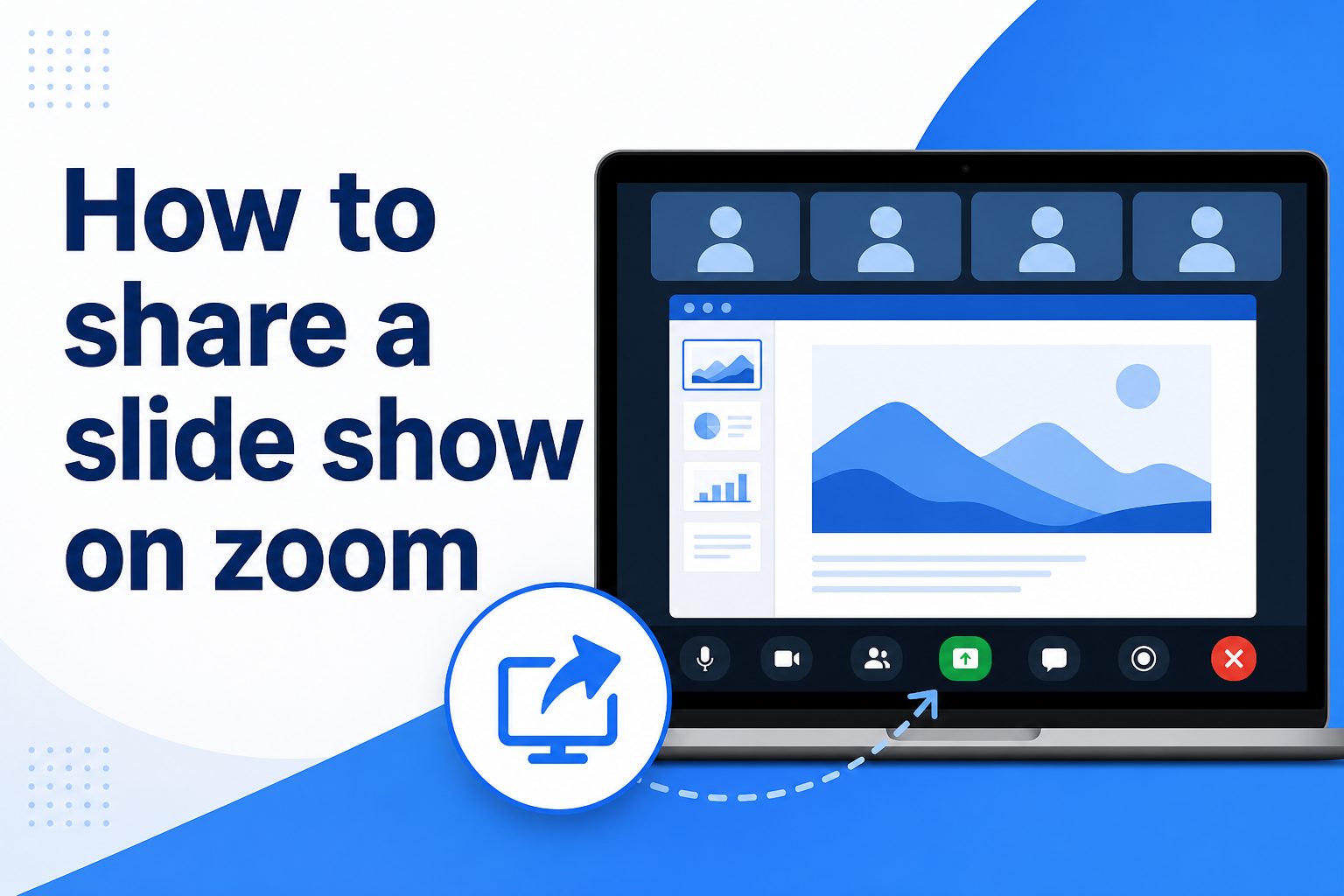
How to Share a Slide Show on Zoom
Discover the step-by-step process for presenting your slides smoothly during a Zoom call, from screen sharing to presenter view.
Read More
How to Share One Slide From PowerPoint
Sometimes you only need to send a single slide, not the whole deck. Here's how to export and share just the one you need.
Read MoreFrequently Asked Questions
Common questions about using the Slideshare downloader tool.
Ready to Download Your Next Presentation?
Start using the Slideshare downloader now. Fast, simple, and completely free to get started.